Symptom: Why 'Best Developer Software' Is Hard to Answer for Messaging
When developers search for the best developer software for private messaging, they often encounter generic rankings that ignore specific workflow constraints. The uncertainty usually stems from a mismatch between marketing claims and the technical realities of secure communication tools. To resolve this, you must first diagnose what 'best' means for your specific development environment. Is it absolute privacy? Cross-platform compatibility? Or ease of deployment across a distributed team?
Before comparing tools, separate verifiable product facts from promotional language. For a developer, the non-negotiables often include default end-to-end encryption, the absence of trackers, and reliable cross-platform support. If a tool claims to be the 'best' but lacks transparency about its encryption protocols or data handling, it fails the initial diagnostic check. This article reframes the search as a fit-and-limits diagnostic for Signal, helping you determine if it meets your hard constraints rather than claiming a universal ranking.
- Define non-negotiables: encryption default, cross-platform availability, and no trackers.
- Verify product facts against official sources before making a decision.
Likely Causes: Common Misfits When Developers Pick Messaging Software
A common reason a messaging tool fails in a developer workflow is a misunderstanding of its account structure. Many developers expect standalone desktop clients that operate independently of mobile devices. However, Signal requires that the desktop app be linked to a primary account on an Android or iOS phone. If your team’s security policy or workflow demands standalone desktop registration without a mobile primary device, Signal is structurally not a fit.
Another frequent misfit involves phone number privacy. While Signal offers usernames to start conversations without sharing phone numbers, a phone number is still required to register an account. Teams that require completely anonymous registration without any phone number association will find this requirement a barrier. Identifying these structural limitations early prevents wasted time on implementation attempts that are destined to fail due to fundamental product design choices.
- Check if standalone desktop registration is required; Signal does not support this.
- Confirm if phone-number-free registration is a hard constraint; Signal requires a number for signup.
Checks: Core Product Criteria for Signal as Developer Messaging Software
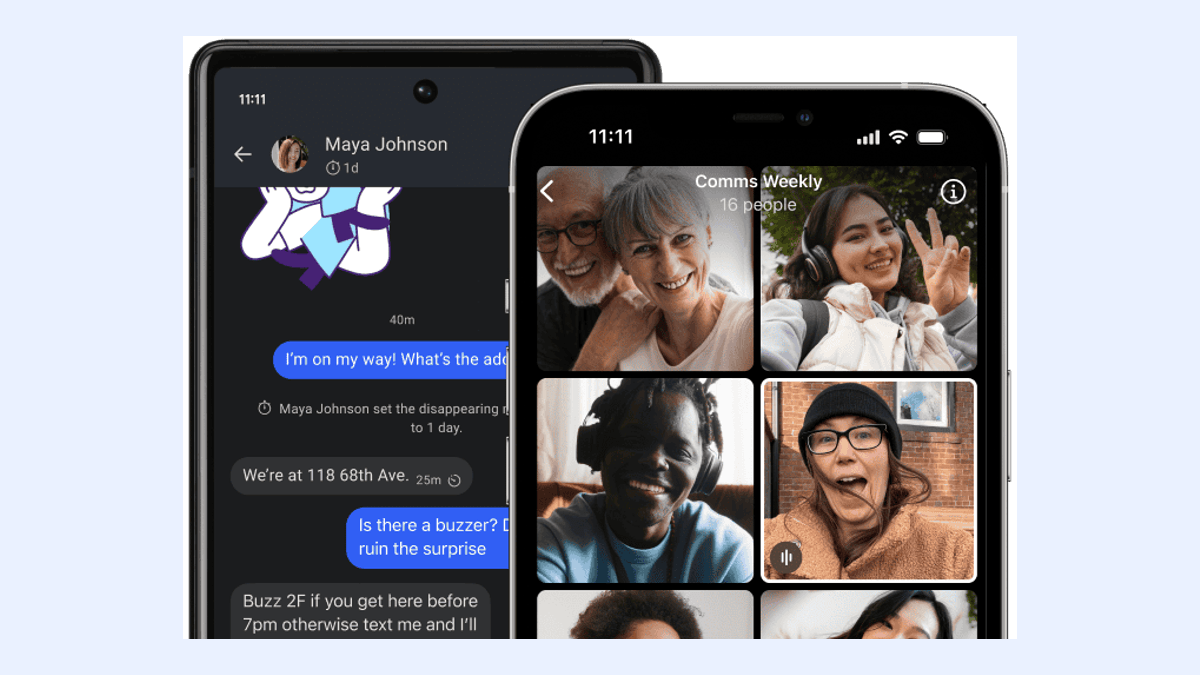
To evaluate Signal as a candidate for the best developer software in your stack, verify its core security and feature set against your requirements. Signal provides end-to-end encrypted messages and voice and video calls by default. This means no additional configuration is needed to ensure that communications remain private between participants. For developers handling sensitive project details or client data, this default-on encryption is a critical baseline.
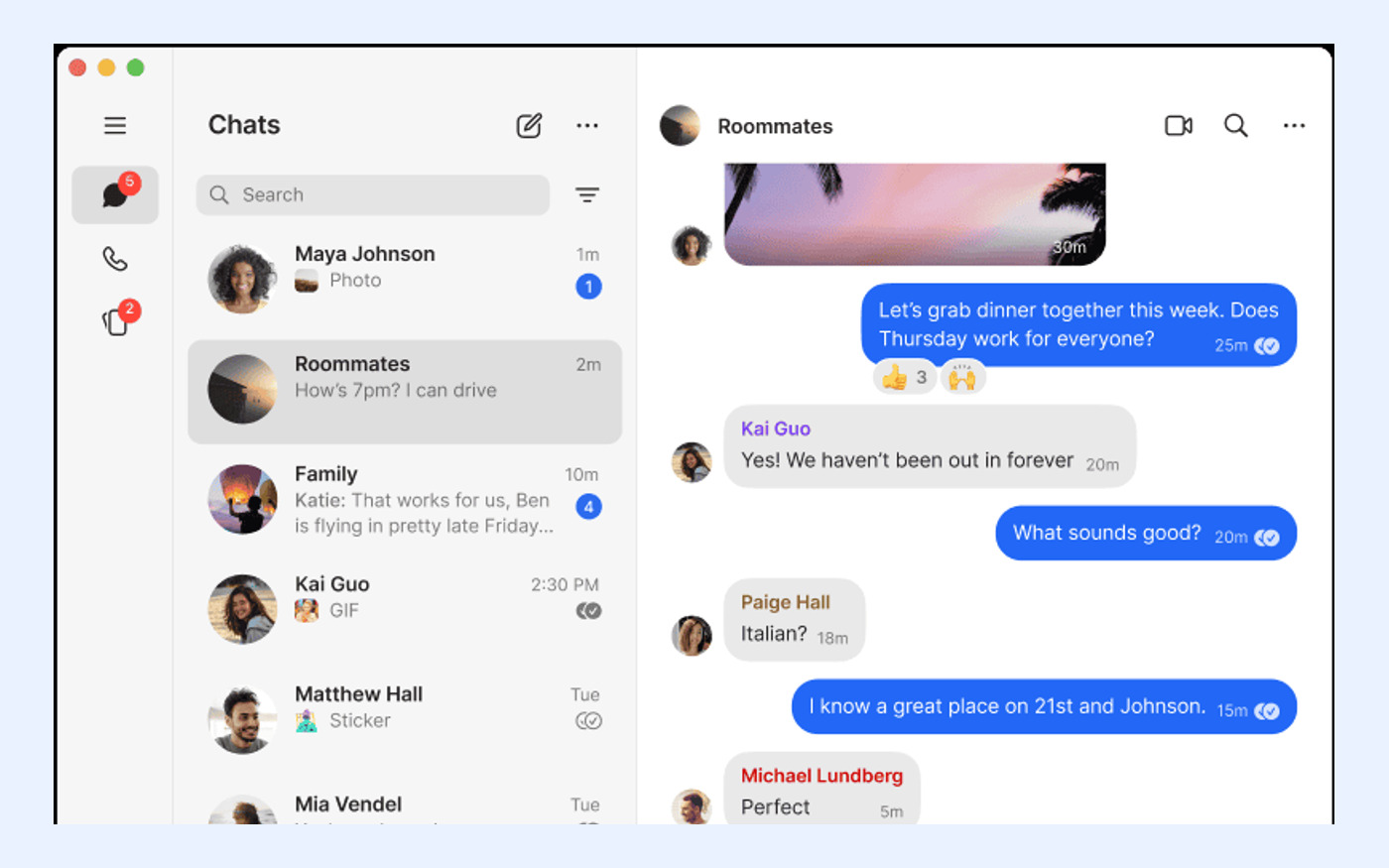
Next, confirm platform availability. Official Signal apps are available for Android, iPhone and iPad, Windows, macOS, and Linux. This broad support ensures that team members using different operating systems can communicate seamlessly. Additionally, Signal supports text, voice messages, photos, videos, GIFs, files, group chats, and encrypted stickers. Verify that these media types align with your team’s collaboration needs, such as sharing code snippets via files or debugging via voice notes.
- Verify end-to-end encryption is enabled by default for all messages and calls.
- Confirm support for all required platforms: Android, iOS, Windows, macOS, and Linux.
Checks: Privacy, Account, and Data-Control Boundaries
Privacy models vary significantly among messaging apps. Signal is operated as an independent nonprofit and is free to use, with no ads or trackers. This operational model reduces the risk of data monetization, which is a key consideration for developers concerned about corporate surveillance. However, you must also evaluate the account privacy features. Signal usernames allow users to start conversations without sharing their phone number, enhancing personal privacy within the team.
Despite the username feature, remember that a phone number is still required to register. This is a crucial distinction for teams evaluating anonymity. If your threat model requires complete dissociation from personal identifiers like phone numbers at the registration level, Signal may not meet your criteria. Evaluate whether the ability to hide phone numbers during daily interaction is sufficient, or if the initial registration requirement poses a compliance or security risk for your organization.
- Confirm Signal is free, has no ads or trackers, and is run by a nonprofit.
- Understand that usernames hide phone numbers in chats, but registration still requires a number.

Fixes: How to Set Up Signal Correctly for a Developer Workflow
If Signal passes your diagnostic checks, correct setup is essential for a smooth developer workflow. Start by installing the official app from signal.org/download on each supported platform. Avoid third-party mirrors or repackaged installers to ensure the integrity of the software. For desktop users on Windows, macOS, or Linux, the installation process requires linking to a primary mobile account. Standalone desktop registration is not supported, so ensure every desktop user has an active Signal account on an Android or iOS device.
When linking devices, note that a Signal phone can have up to five linked devices. First-time linking synchronizes chats plus the last 45 days of media. This limitation is important for developers who rely on historical context in long-running project channels. Plan your onboarding accordingly, ensuring that new team members link their devices promptly to capture relevant recent history. This step prevents gaps in communication context that could hinder project continuity.
- Download only from the official source at signal.org/download.
- Link desktop devices to a primary mobile account; standalone desktop use is unsupported.
- Be aware of the 5-device limit and 45-day media sync window during initial setup.
Fixes: Backup, Recovery, and Media-Storage Decisions
Data continuity is a critical aspect of any developer tool. Signal offers optional end-to-end encrypted Secure Backups. These backups are protected by a 64-character recovery key that Signal cannot recover. This design places the responsibility for key management entirely on the user. For development teams, this means establishing a secure protocol for storing and sharing recovery keys. If the key is lost, the backup is inaccessible, and data cannot be restored by Signal support.
Additionally, Signal lists an optional Secure Backups paid media-storage plan at US$1.99 per month. Evaluate this cost against your team’s media retention needs. If your workflow involves heavy sharing of large files, screenshots, or logs, consider whether this paid tier is necessary for maintaining access to historical media. Compare this with your current backup strategies to ensure that Signal’s model aligns with your data retention policies and budget constraints.
- Enable Secure Backups and securely store the 64-character recovery key.
- Note that Signal cannot recover lost keys; backup access is solely user-responsible.
- Consider the optional US$1.99/month media-storage plan for heavy media usage.
Escalation: When Signal Is Not the Best Developer Software for Your Team
Recognizing when to rule out a tool is as important as selecting one. Signal is not the best developer software for your team if you require standalone desktop clients that do not depend on a mobile primary account. This architectural constraint is non-negotiable in Signal’s design. Similarly, if your team requires vendor-managed backup recovery, Signal is not a fit. The self-custodial nature of its encryption and backup keys means there is no 'forgot password' or 'recover account' service provided by the operator.
Furthermore, if your team needs unlimited linked devices, Signal’s limit of five linked devices per phone may be insufficient. In these scenarios, escalate your evaluation to alternatives that match these hard constraints. Do not attempt to force Signal into a workflow it structurally cannot support. Instead, use these disqualifiers to narrow your search to tools that offer standalone desktop modes, cloud-based key recovery, or higher device limits, ensuring a better fit for your specific operational requirements.
- Rule out Signal if standalone desktop registration is required.
- Rule out Signal if vendor-managed backup recovery is a mandatory feature.
- Rule out Signal if more than five linked devices per user are needed.
Related Reading: Official-Source Next Steps and Safe Download Path
After completing this diagnostic, move to a verified next step by confirming the official source. Always download Signal from signal.org to ensure you are getting the authentic, unmodified application. This site does not host installers, so relying on the official domain is critical for security. Review the Signal download preparation steps to avoid common install or update issues, such as permission errors or outdated dependencies on Linux systems.
For further evaluation, you may explore detailed guides on Signal alternatives if Signal did not meet your specific constraints. Additionally, consult the Signal FAQ for answers to common troubleshooting questions. By sticking to official sources and verified documentation, you maintain a secure and reliable communication infrastructure for your development team. This approach minimizes risk and ensures that your choice of messaging software is based on accurate, up-to-date information.
- Verify the official source at signal.org before downloading.
- Review download preparation steps to prevent installation issues.
- Consult official FAQs and alternative guides for broader context.