Defining the Comparison Frame for Developer Communication Tools
When evaluating the best developer software for team communication, it is critical to distinguish between general productivity suites and privacy-focused messaging platforms. Many generic lists prioritize user interface aesthetics or total user counts, which are irrelevant to technical teams handling sensitive code snippets, API keys, or infrastructure credentials. A practical evaluation framework must focus on security architecture, deployment flexibility, and data sovereignty rather than marketing metrics.
For software evaluators, the primary comparison dimensions should include the default state of encryption, the independence of the operating entity, and the transparency of the codebase. Tools that require manual activation of encryption or rely on centralized data harvesting for revenue present inherent risks for development workflows. By establishing these boundaries early, teams can avoid solutions that compromise security for convenience.
This analysis uses Signal as a baseline candidate because it operates as an independent nonprofit with no ads or trackers. This structural difference impacts how data is handled compared to commercial competitors. The goal is not to declare a universal winner, but to provide a checklist for determining if a tool like Signal fits specific developer constraints regarding privacy and platform support.
- Prioritize default end-to-end encryption over optional settings.
- Verify the operator model: nonprofit vs. ad-supported commercial entities.
- Exclude metrics like total global user base from technical suitability assessments.
Verifying End-to-End Encryption and Metadata Exposure
End-to-end encryption (E2EE) ensures that only the communicating users can read the messages. Signal provides end-to-end encrypted messages and voice and video calls by default. For developers, this means that code snippets, error logs, or temporary credentials shared via chat are protected from interception by third parties, including the service provider itself. This default-on posture eliminates the risk of human error where a user might forget to enable a 'secure' mode.
However, encryption does not mean anonymity. Evaluators must understand the metadata footprint. While Signal does not store message content, it requires a phone number for registration. This creates a link between the account and a real-world identity unless additional precautions are taken. Recent updates allow Signal usernames to start conversations without sharing a phone number, but the underlying registration still mandates a valid number. Teams must assess if this linkage meets their internal privacy policies.
In contrast to some enterprise tools that offer server-side logging for compliance audits, E2EE systems like Signal make such auditing technically impossible without compromising the encryption model. If your organization requires centralized retention of all communication records for legal or compliance reasons, a fully end-to-end encrypted consumer app may be unsuitable. This limitation is a feature of the security model, not a bug, but it must be aligned with organizational requirements.
- Confirm that encryption is enabled by default for all message types and calls.
- Acknowledge that phone numbers are required for registration despite username features.
- Recognize that E2EE prevents server-side content auditing or compliance logging.
Assessing Cross-Platform Deployment and Device Linking Limits
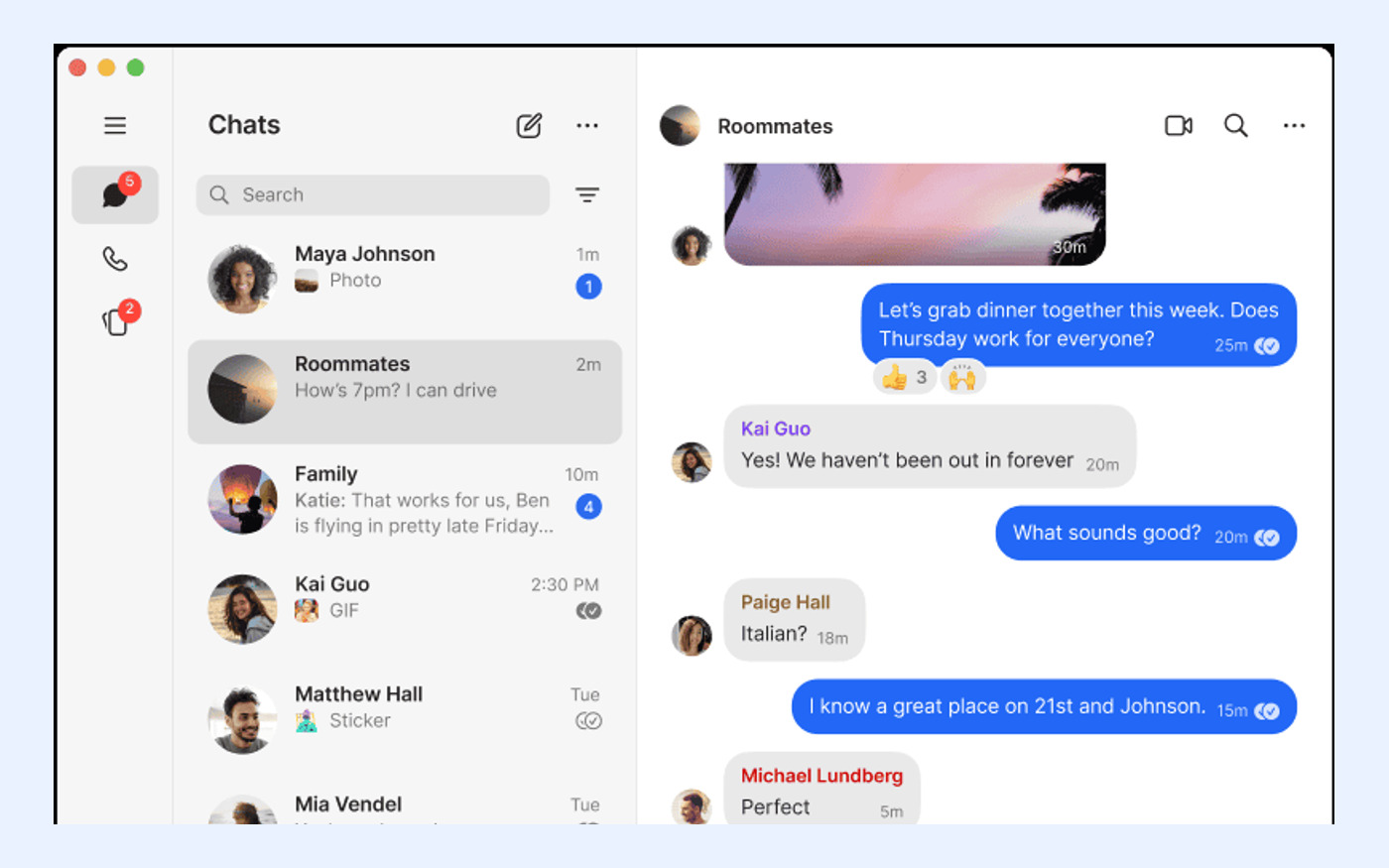
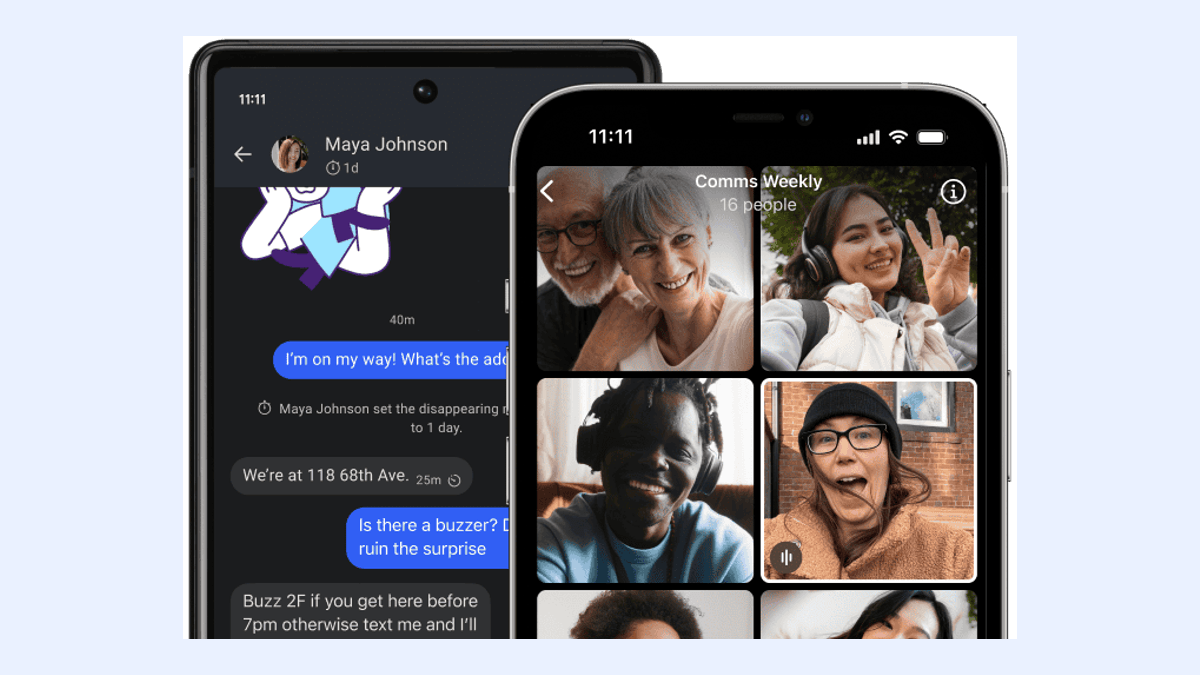
Developer environments are rarely homogeneous. A viable communication tool must support the diverse operating systems used by engineering teams. Official Signal apps are available for Android, iPhone and iPad, Windows, macOS, and Linux. This broad coverage ensures that team members using different workstations can participate in the same secure channels without resorting to less secure alternatives.
A critical constraint for desktop usage is the linking mechanism. Signal Desktop must be linked to Signal on an Android or iOS phone; standalone desktop registration is not supported. This means that every desktop user must first set up the app on a mobile device. For teams using virtual desktop infrastructure (VDI) or shared workstations without dedicated mobile devices, this workflow can be a significant barrier. It also implies that the mobile device acts as the primary identity anchor.
Furthermore, there are limits to how many devices can be synchronized. A Signal phone can have up to five linked devices. When linking a new device for the first time, the system can synchronize chats plus the last 45 days of media. This window is important for onboarding new team members or replacing hardware. If a developer joins a project and needs access to context older than 45 days, they will not receive that historical media automatically through the linking process, requiring alternative methods for knowledge transfer.
- Verify support for all team operating systems: Android, iOS, Windows, macOS, Linux.
- Ensure every desktop user has a compatible mobile device for initial linking.
- Note the limit of five linked devices per primary phone account.
- Plan for historical context gaps beyond the 45-day media synchronization window.
Evaluating Backup Responsibilities and Recovery Key Management
Data loss is a significant risk in any communication platform. Signal offers an optional backup solution known as Signal Secure Backups. These backups are end-to-end encrypted, meaning the service provider cannot read the stored data. This security comes with a strict responsibility shift: the backups are protected by a 64-character recovery key that Signal cannot recover. If a user loses this key, the backup is permanently inaccessible.
For individual developers, managing this key requires personal discipline. For teams, it introduces an operational challenge. There is no 'admin reset' function for lost recovery keys. If a team member leaves the organization or loses their device and key, their chat history is irretrievable. This contrasts with enterprise messaging platforms that often hold encryption keys or provide administrative recovery options, albeit at the cost of reduced privacy.
Evaluators must decide if their team has the maturity to manage these keys securely. Storing the key in a password manager or a secure team vault is essential. Without a robust key management policy, the backup feature provides a false sense of security. It is crucial to test the restore process during onboarding to ensure that team members understand the irreversible nature of losing the recovery key.
- Confirm understanding that Signal cannot recover lost 64-character recovery keys.
- Implement a secure storage strategy for backup keys, such as a team password vault.
- Test the backup and restore process before relying on it for critical history.

Analyzing Cost Structure and Nonprofit Operational Model
Cost is a frequent factor in software selection, but the pricing model often reflects the product's incentives. Signal is free to use, has no ads or trackers, and is operated as an independent nonprofit. This model aligns the product's success with user trust rather than data monetization. For developers concerned about long-term viability and ethical alignment, this structure offers a distinct advantage over ad-supported competitors.
While the core messaging service is free, there are optional paid features for enhanced utility. Signal currently lists an optional Secure Backups paid media-storage plan at US$1.99 per month. This fee applies to cloud storage for media files within the backup system. For most individual users, this cost is negligible. However, for teams with high volumes of image or video sharing, these costs could accumulate if each member opts for the paid storage tier.
It is important to note that the free tier still allows for text and basic media sharing without subscription. The paid plan is specifically for expanded cloud backup storage. Evaluators should calculate the potential total cost of ownership if the team adopts the paid backup option widely. Nevertheless, the absence of advertising revenue removes the incentive to analyze user behavior for targeting, which is a significant privacy benefit for sensitive technical discussions.
- Verify that core messaging features remain free with no advertising or tracking.
- Account for the optional US$1.99 per month cost for Secure Backups media storage.
- Consider the nonprofit operational model as a factor in long-term trust and stability.
Determining Fit: Scenarios Where Signal Excels for Developers
Signal is particularly well-suited for small to medium-sized development teams that prioritize security and privacy. Its support for text, voice messages, photos, videos, GIFs, files, group chats, and encrypted stickers covers the majority of daily communication needs. The ability to share files securely makes it a viable option for exchanging configuration files, small code patches, or diagnostic screenshots without exposing them to broader corporate networks.
The introduction of usernames enhances its utility for professional contexts. Signal usernames can start conversations without sharing a phone number, allowing developers to maintain a layer of personal privacy while collaborating. This is useful for open-source contributors or contractors who wish to separate their professional communication identity from their personal phone number. It reduces the friction of sharing contact details while maintaining the security of the underlying protocol.
Teams that already use mobile-first workflows will find the linking model natural. Since most developers carry smartphones, the requirement to link a desktop app to a mobile device is rarely a hindrance. The synchronization of recent media ensures that new participants can quickly get up to speed on recent visual context, such as UI mockups or error screens, within the 45-day window.
- Ideal for teams needing secure file and media sharing without corporate surveillance.
- Useful for contractors or contributors wanting to hide phone numbers via usernames.
- Fits well with mobile-centric workflows where desktop linking is manageable.
Identifying Limitations and Unsuitable Use Cases
Despite its strengths, Signal is not a universal solution for all developer communication needs. Organizations requiring comprehensive audit trails, e-discovery capabilities, or centralized message retention for regulatory compliance will find Signal's end-to-end encryption model incompatible. The inability of administrators to access message content means that Signal cannot fulfill legal discovery requests in the same way that centrally managed, server-controlled platforms can.
Large-scale broadcast communication is another area where Signal has limitations. While it supports group chats, it lacks the channel-based architecture found in tools like Slack or Telegram. For organizations that need to broadcast announcements to hundreds or thousands of developers simultaneously, Signal's group mechanics may feel cumbersome. It is designed for conversational interaction rather than one-to-many dissemination.
Additionally, the dependency on phone numbers for registration can be a barrier in highly anonymous or secure enclave environments where staff are issued only corporate email addresses and no mobile devices. In such cases, alternatives that support email-only registration or fully anonymous accounts might be more appropriate. Evaluators must weigh the convenience of phone-based identity against the specific anonymity requirements of their project.
- Unsuitable for organizations requiring server-side audit logs or compliance retention.
- Not ideal for large-scale one-to-many broadcast announcements or channels.
- Challenging for environments where users do not have personal mobile phone numbers.
Official Source Verification and Safe Download Practices
Security software must always be obtained from verified official sources to prevent supply chain attacks. The official Signal website is recorded for launch research and distribution at signal.org. Downloading apps from third-party stores, unofficial mirrors, or direct links from forums introduces the risk of malware injection or modified clients that compromise encryption integrity. Always verify the URL and ensure the connection is secure before downloading.
Before installation, review the current system requirements and installation instructions on the official site. Since Signal Desktop requires linking to a mobile device, ensure that your mobile app is updated to the latest version to support device pairing. Checking the official support resources can also help troubleshoot common issues related to firewall configurations or network restrictions that might block Signal's connectivity.
For those preparing to deploy Signal across a team, it is advisable to review the official documentation on linked devices and backup procedures. Understanding these mechanisms beforehand reduces support overhead during rollout. If you are unsure about specific features or compatibility, refer to the official FAQ or support articles rather than relying on unofficial blogs or outdated tutorials.
- Download only from the official website: 来源资料
- Verify mobile app versions before attempting to link desktop clients.
- Consult official support documentation for setup and troubleshooting guidance.