Defining the Scope: What to Compare in Developer Communication Software
When evaluating the best developer software for team communication, it is critical to distinguish between core security features and auxiliary functions. Many tools claim comprehensive capabilities, but a rigorous assessment starts by isolating essential criteria such as default end-to-end encryption, platform availability, and data ownership. For instance, while some applications offer extensive integration with project management tools, they may lack robust privacy defaults. In contrast, Signal focuses on private messaging app fundamentals, treating security as a baseline rather than an add-on.
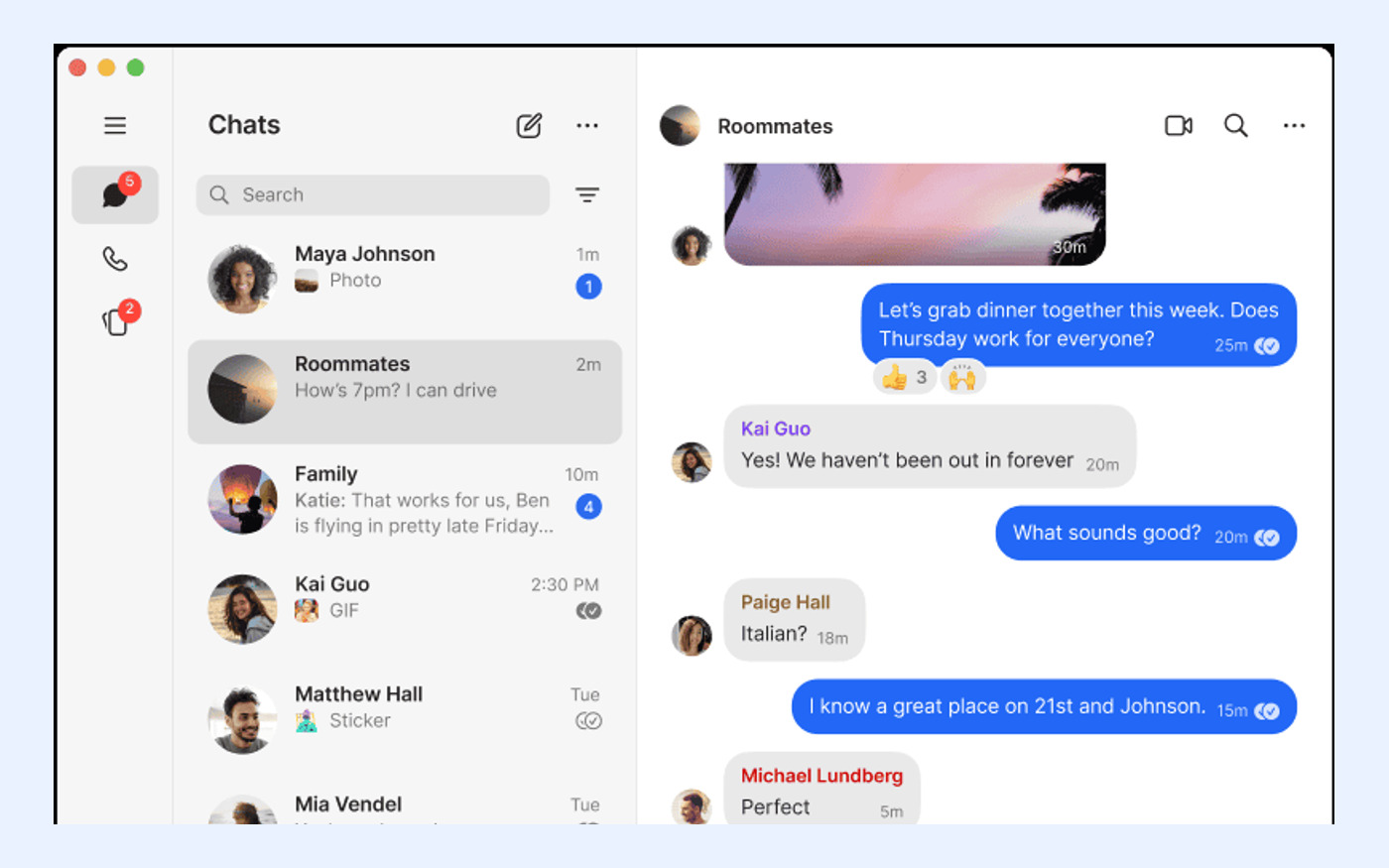
Developers should also separate platform coverage from deployment models. A tool might support multiple operating systems but require complex server maintenance or cloud dependency. Signal, for example, offers official clients for Android, iPhone/iPad, Windows, macOS, and Linux, ensuring broad accessibility. However, its desktop implementation requires linking to a mobile device, which is a significant structural constraint for users seeking standalone desktop registration. Clarifying these boundaries early prevents mismatched expectations during the selection process.
- Distinguish between core privacy features (encryption) and secondary features (stickers, GIFs).
- Verify if the software operates as an independent nonprofit to assess tracker and ad risks.
- Confirm whether desktop usage requires a linked mobile device or supports independent registration.
Criterion 1: Default End-to-End Encryption and Privacy Standards
For development teams handling sensitive code or proprietary information, default end-to-end encryption is non-negotiable. Signal provides end-to-end encrypted messages and voice and video calls by default, ensuring that only the communicating users can access the content. This differs from platforms where encryption is optional or managed by the service provider. The absence of ads and trackers further reduces the attack surface, aligning with the operational model of an independent nonprofit. This structure minimizes the risk of data monetization or third-party surveillance.
When comparing alternatives, evaluators should check if encryption keys are stored on servers or solely on user devices. Signal’s architecture ensures that the service provider cannot decrypt messages. This level of privacy is crucial for developers discussing unreleased features or security vulnerabilities. If a candidate software relies on cloud-based key storage or offers encryption only as a premium feature, it may not meet the stringent requirements of high-security development environments.
- Confirm that messages and calls are encrypted by default without user configuration.
- Verify the operator’s status as an independent nonprofit to ensure no ad or tracker integration.
- Check if the service provider has technical access to decryption keys.
Criterion 2: Platform Coverage and Device Linking Rules
Developer workflows often span multiple devices, making cross-platform support a key evaluation metric. Official Signal apps are available for Android, iPhone and iPad, Windows, macOS, and Linux, covering the primary ecosystems used in software development. This broad compatibility ensures that team members can communicate seamlessly regardless of their preferred hardware. However, the method of accessing these platforms varies significantly between tools. Signal Desktop must be linked to Signal on an Android or iOS phone; standalone desktop registration is not supported. This dependency means that a mobile device is required to activate and maintain the desktop client.
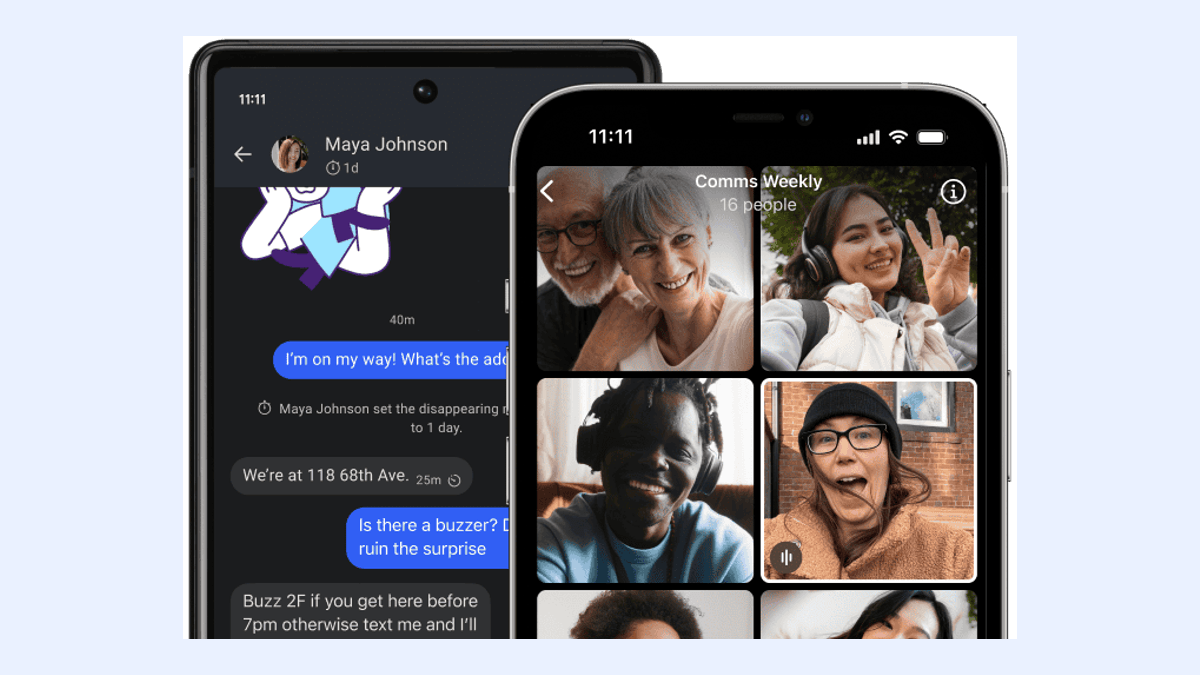
This linking mechanism has implications for team setups where developers might prefer tablet-only or desktop-only environments. While Signal allows a phone to have up to five linked devices, including desktops and tablets, the initial setup and ongoing authentication rely on the primary mobile device. Evaluators should determine if this dependency fits their team’s device management policy. For teams requiring fully independent desktop instances without mobile tethering, this architectural choice may be a limiting factor compared to other solutions that offer web-based or standalone desktop accounts.
- Verify official client availability for Android, iOS, Windows, macOS, and Linux.
- Confirm if desktop usage requires linking to a mobile device or supports independent login.
- Check the maximum number of linked devices allowed per account.
Criterion 3: Account Privacy and Username Mechanisms
Privacy extends beyond message content to identity protection. Signal usernames can start conversations without sharing a phone number, offering a layer of anonymity useful for open-source collaborations or community interactions. This feature allows developers to engage with peers without exposing personal contact details. However, it is important to note that a phone number is still required to register an account. The username acts as a public-facing identifier, while the phone number remains the underlying account credential known to the service provider for verification purposes.
When assessing other developer software, check if they offer similar decoupling of identity from contact information. Some platforms require visible phone numbers for all interactions, which can lead to unwanted contact or privacy leaks. Signal’s approach balances usability with privacy by allowing users to control who sees their phone number. Evaluators should test the username discovery process to ensure it meets their team’s comfort level regarding identity exposure. If complete anonymity without any phone number linkage is required, Signal’s current model may not suffice.
- Confirm if usernames can be used to initiate conversations without revealing phone numbers.
- Verify if a phone number is still mandatory for initial account registration.
- Assess the ease of managing privacy settings to hide phone numbers from contacts.

Criterion 4: Multi-Device Synchronization and Media Retention
Effective collaboration requires consistent access to conversation history across devices. Signal supports linked desktop, iPad, and Android devices, allowing users to continue conversations seamlessly. When linking a new device for the first time, Signal can synchronize chats plus the last 45 days of media. This window ensures that recent context is available on secondary devices without overwhelming storage or bandwidth. However, this 45-day limit is a specific constraint that evaluators must consider. If a developer joins a project mid-stream or switches devices frequently, older media files may not automatically appear on the new device.
Compare this retention policy with competitors that may offer unlimited cloud synchronization. While Signal’s approach enhances privacy by minimizing server-side data retention, it places the burden of historical access on the primary device. Teams that rely heavily on shared media assets for debugging or design reviews should verify if the 45-day window is sufficient for their workflow. If long-term media accessibility across all devices is critical, additional backup strategies or alternative tools with different synchronization models may be necessary.
- Check the maximum number of linked devices supported per account.
- Confirm the time window for media synchronization during first-time device linking (e.g., 45 days).
- Evaluate if the synchronization model meets the team’s need for historical media access.
Criterion 5: Backup Mechanisms and Recovery Key Responsibility
Data resilience is a critical component of any software evaluation. Signal Secure Backups are optional, end-to-end encrypted, and protected by a 64-character recovery key that Signal cannot recover. This design ensures that even if the service provider is compromised, user backups remain secure. However, it also means that the user bears full responsibility for safeguarding the recovery key. If the key is lost, the backup data is irretrievable. This trade-off between security and convenience is a defining characteristic of Signal’s privacy-first approach.
When comparing backup solutions, assess whether the provider holds decryption keys or if the user manages them entirely. Signal’s model eliminates the risk of provider-side data breaches affecting backups but increases the risk of user error. Teams should establish clear protocols for storing recovery keys, such as using password managers or secure physical storage. If a team lacks the discipline for strict key management, the risk of permanent data loss may outweigh the privacy benefits. Evaluators should weigh this operational requirement against their team’s technical proficiency and risk tolerance.
- Confirm if backups are end-to-end encrypted and who holds the decryption keys.
- Verify the length and complexity of the recovery key (e.g., 64 characters).
- Assess the provider’s ability to assist in recovery if the key is lost (Signal cannot recover it).
Criterion 6: Cost Structure and Paid Feature Boundaries
Budget considerations often influence software selection, but cost structures vary widely. Signal is free to use, has no ads or trackers, and is operated as an independent nonprofit. This model ensures that core communication features remain accessible without financial barriers or commercial incentives to harvest data. For development teams, this predictability is valuable, as it avoids unexpected licensing fees or tiered feature locks. The absence of advertising also contributes to a cleaner, more focused user interface.
However, Signal does offer an optional Secure Backups paid media-storage plan at US$1.99 per month. This fee applies only to enhanced cloud storage for backups and does not affect the functionality of messaging or calls. When evaluating alternatives, distinguish between core feature costs and optional storage fees. Some competitors may charge for group sizes, file transfer limits, or advanced security features. Signal’s approach keeps the primary utility free while monetizing optional convenience. Teams should calculate the total cost of ownership, including any potential storage upgrades, to ensure alignment with their budget constraints.
- Confirm that core messaging and calling features are free and ad-free.
- Identify any optional paid features, such as media storage plans, and their pricing.
- Verify the operator’s nonprofit status to assess long-term sustainability and data practices.
Suitability Checklist: When to Choose Signal and When to Look Elsewhere
To finalize the evaluation, use this checklist to determine if Signal fits your development team’s needs. Signal is suitable for teams prioritizing high privacy standards, cross-platform compatibility, and ad-free communication. It is ideal for groups that can manage mobile-linked desktop setups and are disciplined about recovery key storage. The nonprofit operational model adds trust for organizations sensitive to data monetization. However, Signal is not suitable for teams requiring pure desktop-independent registration, unlimited cloud media synchronization, or complete anonymity without phone number registration.
If your team’s workflow depends on standalone desktop accounts or extensive historical media access across all devices without manual intervention, Signal’s current architecture may introduce friction. In such cases, exploring alternatives with different synchronization or registration models may be more appropriate. Use this framework to balance privacy benefits against operational constraints. For those who decide Signal is a fit, ensure you download the official clients to maintain security integrity. For those who need different features, consult comparative resources to find a tool that better matches your specific technical requirements.
- Choose Signal if: You need default end-to-end encryption, cross-platform support, and nonprofit operation.
- Avoid Signal if: You require standalone desktop registration, unlimited cloud media sync, or no phone number registration.
- Ensure your team can securely store the 64-character backup recovery key.