Defining the Scope: When Signal Fits into Developer Toolchains
When evaluating the best developer software for team communication, it is critical to distinguish between collaboration platforms and secure messaging tools. Signal is designed specifically for private messaging, offering end-to-end encrypted messages and voice and video calls by default. It is not a project management suite, code repository, or continuous integration tool. Developers should consider Signal when the primary requirement is secure, real-time communication for sensitive discussions, such as sharing API keys, discussing security vulnerabilities, or coordinating incident response.
If your team’s core needs involve code review workflows, ticket tracking, or automated build notifications, Signal does not replace tools like GitHub, GitLab, or Jira. Instead, it serves as a secure channel for human-to-human interaction where privacy is paramount. By clarifying this boundary, evaluators can avoid misapplying Signal to tasks it was not designed to handle, ensuring it complements rather than conflicts with existing development infrastructure.
- Use Signal for encrypted text, voice, video, and file transfers.
- Do not use Signal for code hosting, CI/CD pipelines, or project tracking.
- Ideal for sensitive communications requiring default end-to-end encryption.
Criterion 1: Verification of End-to-End Encryption Coverage
For developers handling sensitive data, the scope of encryption is a primary decision factor. Signal provides end-to-end encrypted messages and voice and video calls by default, meaning no third party, including Signal itself, can access the content. This coverage extends to text, voice messages, photos, videos, GIFs, files, group chats, and encrypted stickers. This uniform protection model ensures that all forms of communication within the app maintain the same high security standard without requiring users to toggle specific settings for different media types.
However, this closed encryption model has implications for compliance and auditing. If your organization requires server-side logging, keyword scanning for data loss prevention, or third-party audit trails of message content, Signal’s architecture is incompatible. The encryption keys are held solely by the user devices. Therefore, while Signal offers robust privacy, it may not fit environments where regulatory frameworks mandate accessible communication logs for internal monitoring.
- Encryption covers messages, calls, files, group chats, and stickers by default.
- No server-side access to message content or encryption keys.
- Unsuitable for teams requiring searchable server-side message logs.
Criterion 2: Cross-Platform Support for Mixed Device Environments
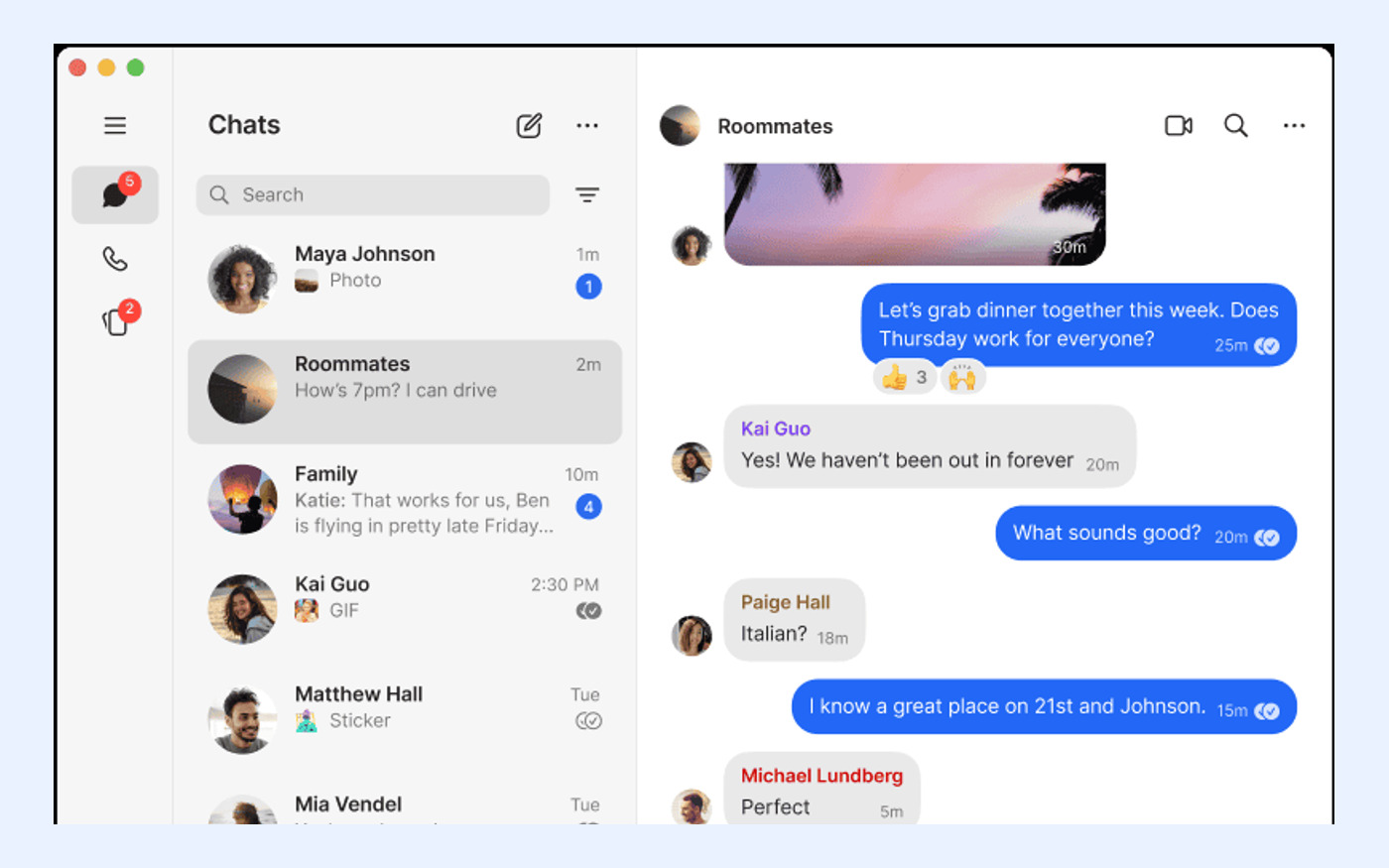
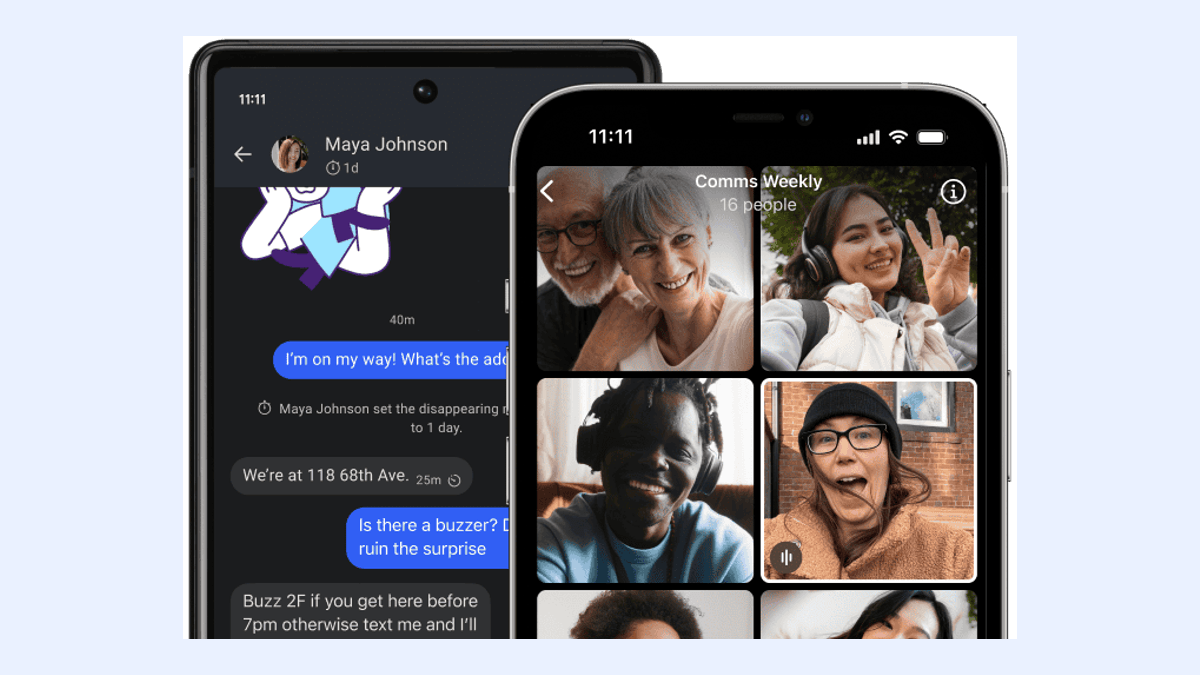
Developer teams often operate across diverse operating systems. Signal supports this diversity with official apps available for Android, iPhone and iPad, Windows, macOS, and Linux. This broad compatibility ensures that team members using different hardware can communicate seamlessly without forcing a standardized device policy. For open-source contributors or remote teams with personal device preferences, this flexibility is a significant advantage over platforms restricted to specific ecosystems.
A critical technical constraint for desktop users is that Signal Desktop must be linked to Signal on an Android or iOS phone; standalone desktop registration is not supported. This means every desktop user must have an active mobile account. For developers who prefer tablet-only or desktop-only workflows without a dedicated mobile line, this requirement creates a dependency. Evaluators must confirm that all team members have compatible mobile devices to enable desktop usage.
- Native apps for Android, iOS, Windows, macOS, and Linux.
- Signal Desktop requires linkage to a primary mobile device.
- No standalone desktop registration is available.
Criterion 3: Identity Privacy and Username Configuration
Privacy in developer communities often extends to identity protection. Signal usernames can start conversations without sharing a phone number, allowing developers to collaborate anonymously or semi-anonymously. This feature is particularly useful for open-source projects or bug bounty programs where participants may wish to keep their personal contact details private. By setting a username, users can be found and contacted without exposing their underlying phone number to the entire group.
Despite this enhancement, a phone number is still required to register for Signal. This foundational requirement means that complete anonymity from the service provider is not achieved, and users must trust Signal with their initial registration data. For teams with strict policies against linking any personal telephone numbers to work accounts, this remains a bottleneck. Evaluators should weigh the benefit of username-based privacy against the necessity of initial phone number verification.
- Usernames allow contact without revealing phone numbers.
- Phone number registration is still mandatory for account creation.
- Balances user-level privacy with service-level verification requirements.

Criterion 4: Multi-Device Synchronization Limits
Modern developer workflows often involve switching between multiple devices, such as a work laptop, personal desktop, and tablet. Signal allows a Signal phone to have up to five linked devices, providing flexibility for multi-screen setups. When linking a new device for the first time, the system can synchronize chats plus the last 45 days of media. This ensures that recent context is available on secondary devices, facilitating continuity in ongoing discussions.
However, the five-device limit and the 45-day media synchronization window impose constraints. Teams with larger device fleets per user or those requiring long-term historical media access on all endpoints may find these limits restrictive. Additionally, if a primary phone is lost or replaced, the linking process must be repeated. Evaluators should assess whether the five-device cap aligns with their team’s hardware distribution and whether the 45-day media sync is sufficient for their operational needs.
- Supports up to five linked devices per account.
- Initial sync includes chats and the last 45 days of media.
- Device limit may restrict users with extensive hardware setups.
Criterion 5: Backup Security and Data Recovery Risks
Data retention and recovery are critical for business continuity. Signal Secure Backups are optional, end-to-end encrypted, and protected by a 64-character recovery key that Signal cannot recover. This design ensures that even if Signal’s servers are compromised, backup data remains inaccessible to attackers. Users must store this recovery key securely, as it is the sole method for restoring chat history from a backup.
The trade-off for this security is the risk of permanent data loss. If a user loses their recovery key, Signal cannot assist in recovering the backup. For developer teams, this places the burden of key management on individual users or IT administrators. Organizations accustomed to centralized, admin-resettable backups must adapt to this decentralized model. Failure to manage recovery keys properly can result in irreversible loss of historical communication data.
- Backups are end-to-end encrypted with a user-held 64-character key.
- Signal cannot recover lost backup keys.
- Requires strict key management practices to prevent data loss.
Criterion 6: Cost Structure and Operational Sustainability
Budget considerations are essential when selecting developer software. Signal is free to use, has no ads or trackers, and is operated as an independent nonprofit. This model removes the financial barrier to entry and eliminates concerns about data monetization through advertising. For startups and open-source projects with limited budgets, Signal offers a cost-effective solution for secure communication without compromising on privacy features.
While core functionality is free, Signal currently lists an optional Secure Backups paid media-storage plan at US$1.99 per month. This fee applies only to users who choose to store larger amounts of media in the cloud beyond local device storage. For most text-heavy developer communications, the free tier is sufficient. However, teams that frequently share large video files or extensive media archives should factor this optional cost into their long-term budget planning.
- Core app is free, nonprofit-operated, with no ads or trackers.
- Optional media storage plan costs US$1.99 per month.
- Cost-effective for teams prioritizing privacy over advanced collaboration features.
Decision Checklist: Is Signal Right for Your Development Team?
To determine if Signal is the best developer software for your communication needs, apply the following checklist. First, confirm that your primary need is secure, real-time messaging rather than project management or code collaboration. Second, verify that all team members have compatible mobile devices to link desktop clients. Third, assess whether your privacy policy allows for phone number registration, even if usernames are used for daily interaction.
Finally, evaluate your tolerance for decentralized backup management. If your team can securely manage 64-character recovery keys and accepts the five-device limit, Signal provides a robust, privacy-first communication channel. If your requirements include server-side logging, unlimited device syncing, or standalone desktop usage, you may need to explore alternative solutions. Use this framework to align tool selection with your specific security and operational constraints.
- Primary need is secure messaging, not code collaboration.
- All users have mobile devices for desktop linking.
- Team can manage self-custodied backup recovery keys.
- Five-device limit and 45-day media sync are acceptable.