Decision criteria for choosing secure messaging software for developer teams
When evaluating the best developer software for private team communication, technical leads must first define strict fit criteria before comparing specific tools. The primary requirement for most engineering teams is default end-to-end encryption for both text messages and voice or video calls. This ensures that sensitive code snippets, incident response details, and architectural discussions remain inaccessible to third parties, including the service provider itself. If a candidate tool does not enforce encryption by default, it fails the baseline security check for professional developer workflows.
Cross-platform compatibility is the second critical criterion. Developer teams often operate in heterogeneous environments, with members using Android, iPhone, iPad, Windows, macOS, and Linux systems. A viable communication tool must offer native, fully featured applications for all these platforms to prevent workflow fragmentation. Tools that restrict advanced features to mobile-only or lack robust Linux support create friction in daily operations. Additionally, the operator model matters: independent nonprofit structures with no ads or trackers reduce the risk of data monetization conflicts, aligning better with strict organizational compliance policies.
- Verify that end-to-end encryption is enabled by default for all message types and calls.
- Confirm native app availability for Android, iPhone/iPad, Windows, macOS, and Linux.
- Check if the operator is an independent nonprofit with no ads or trackers to minimize data exposure risks.
How Signal’s core features align with developer communication needs
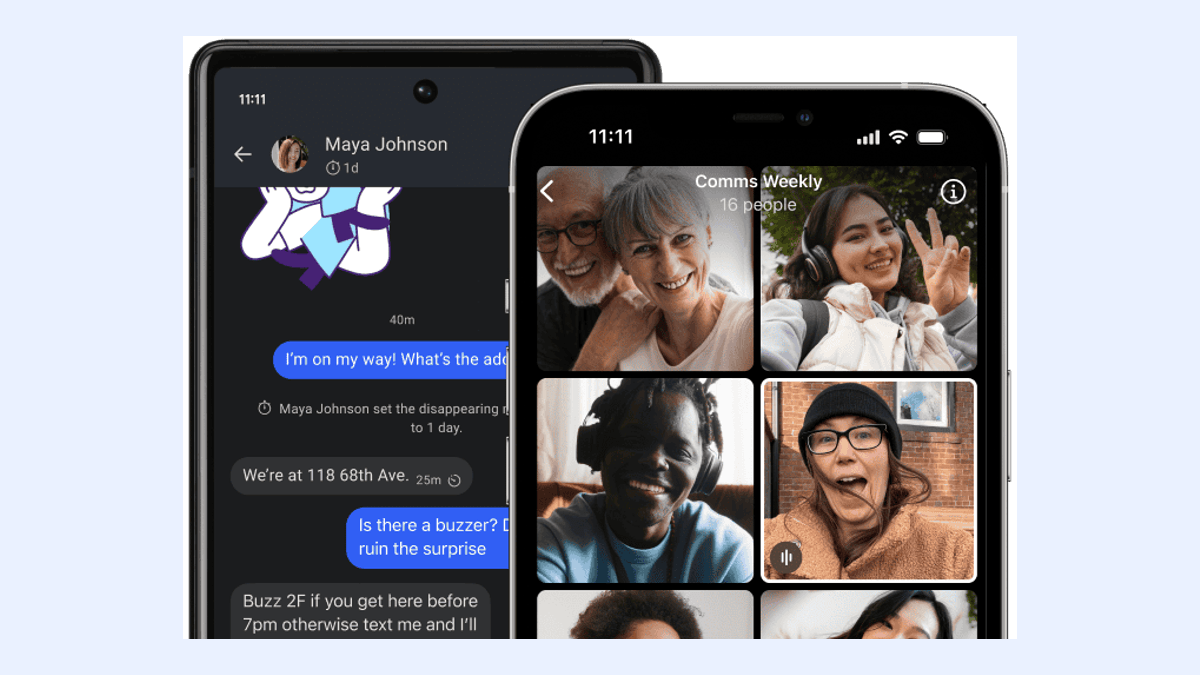
Signal supports a comprehensive range of media types essential for technical collaboration, including text, voice messages, photos, videos, GIFs, files, group chats, and encrypted stickers. For developer teams, the ability to share files and high-resolution screenshots securely is crucial for debugging and design reviews. The platform’s commitment to privacy extends to these media types, ensuring that shared artifacts are protected by the same end-to-end encryption standards as text messages. Voice and video calls are also encrypted by default, providing a secure channel for synchronous stand-ups or urgent incident bridges without relying on less secure consumer-grade video tools.
However, it is important to recognize the scope of Signal’s functionality. It is designed primarily as a private messaging app, not a full-suite collaboration platform. It does not include built-in code review tools, issue tracking, or CI/CD integrations. Teams requiring deep integration with development pipelines may find Signal insufficient as a standalone solution. Instead, it serves best as a secure side-channel for sensitive communications that should not reside in broader, potentially less encrypted project management tools. Evaluators should map these verified features against their specific use cases, such as secure incident response or private architectural discussions, to determine fit.
- Supports text, voice messages, photos, videos, GIFs, files, group chats, and encrypted stickers.
- Voice and video calls are end-to-end encrypted by default.
- Not a fit for teams requiring built-in code review, issue tracking, or CI/CD integrations.
Tradeoffs between Signal and common developer messaging alternatives
When comparing Signal to alternatives like WhatsApp, Telegram, Threema, SimpleX Chat, Session, and Element/Matrix, several key differentiators emerge. A major consideration is phone-number privacy. While many competitors require a phone number for registration and display it to contacts, Signal offers optional usernames. This feature allows users to start conversations without sharing their phone number, adding a layer of identity protection for developers who wish to keep personal contact details separate from professional interactions. However, evaluators must note that a phone number is still required to register a Signal account, even if it is not shared with contacts.
Another critical tradeoff involves backup strategies. Some alternatives rely on cloud backups that may not be end-to-end encrypted by default or are controlled by the service provider, introducing potential data-exposure risks. In contrast, Signal’s approach prioritizes user control over encryption keys. Teams must weigh the convenience of provider-managed backups against the security benefits of user-controlled encryption. Alternatives that do not offer robust, user-controlled encryption for backups may be unsuitable for teams handling highly sensitive intellectual property or compliance-restricted data. The decision should hinge on whether the team can manage the additional responsibility of key custody.
- Signal offers optional usernames to protect phone-number privacy, though registration still requires a number.
- Alternatives relying on non-E2E encrypted cloud backups introduce higher data-exposure risks.
- Compare based on criteria such as default encryption, platform support, and backup control rather than unsupported rankings.
Multi-device setup and linked-device limits for developer workflows
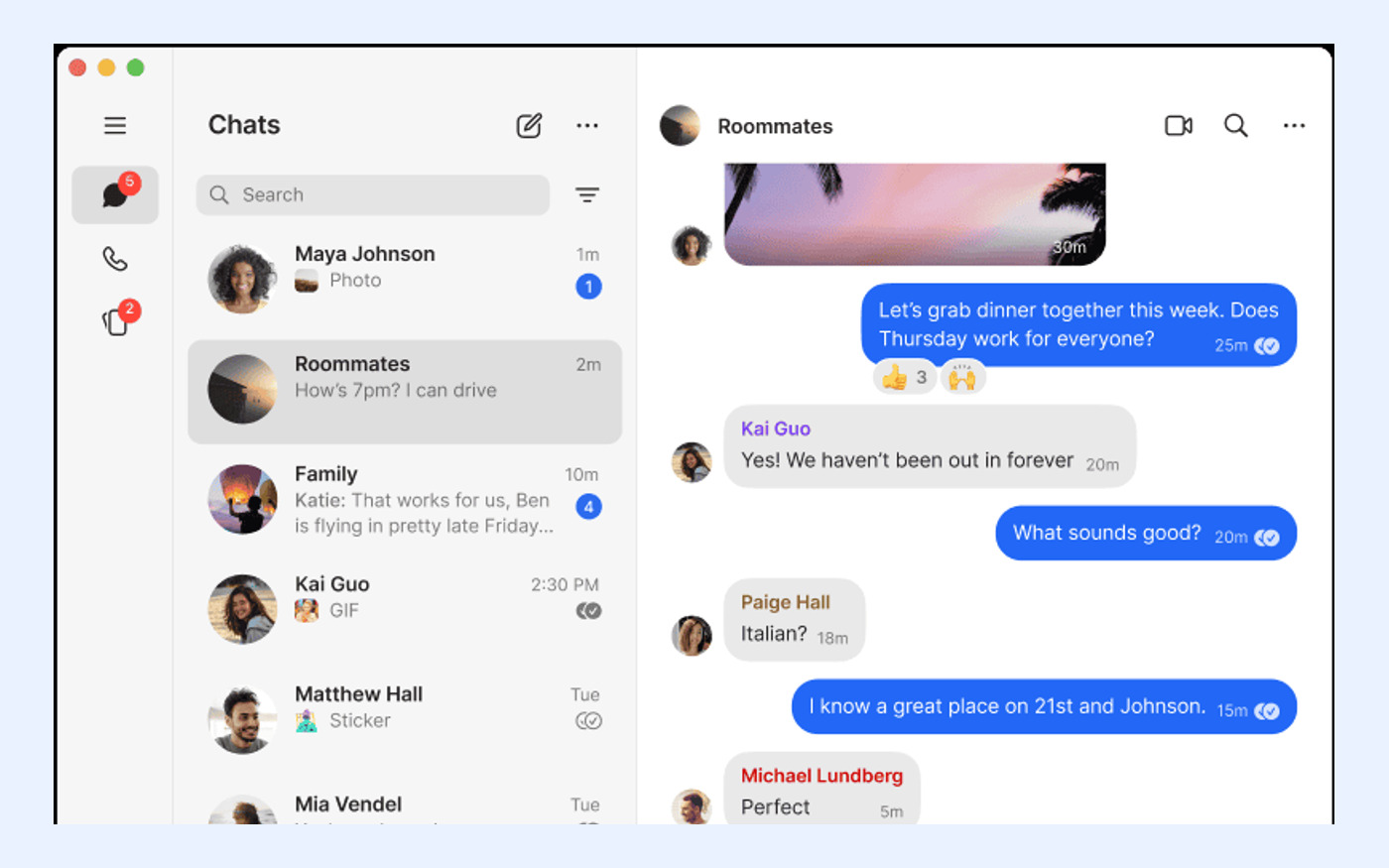
Understanding Signal’s device linking model is essential for teams planning their hardware setup. Signal Desktop must be linked to a primary Signal account on an Android or iOS phone; standalone desktop registration is not supported. This means every desktop user must have an active mobile device associated with their account. For developer teams, this requirement ensures that the mobile device acts as the root of trust for the account. While this adds a step to the initial setup, it reinforces the security model by tying the desktop session to a verified mobile identity.
A single Signal phone can have up to five linked devices, which typically includes desktop computers, iPads, and other Android devices. During the first-time linking process, Signal synchronizes existing chats and the last 45 days of media to the new device. This limit is a hard constraint for teams where individuals might need to access their account from numerous workstations simultaneously. If a team member exceeds the five-device limit, they must unlink an existing device before adding a new one. Teams needing standalone desktop-only accounts or more than five concurrent linked devices will find Signal’s current architecture unsuitable for their workflow.
- Signal Desktop must be linked to an Android or iOS phone; standalone desktop registration is not supported.
- Up to five devices can be linked to a single Signal phone.
- First-time linking synchronizes chats and the last 45 days of media.

Privacy controls: phone-number visibility and optional usernames
Signal’s account and privacy settings provide granular control over identity exposure, which is particularly valuable in professional contexts. The introduction of usernames allows users to initiate and receive conversations without revealing their phone number to contacts. This feature helps developers maintain a boundary between their personal telecommunications identity and their professional collaborative identity. By using a username, team members can communicate securely without exposing personal contact information to every colleague or external contributor they interact with.
Despite this enhancement, evaluators must confirm that a phone number is still required to register a Signal account. This requirement is a fundamental part of Signal’s anti-spam and identity verification system. For organizations with strict policies against linking any personal phone number to work tools, this may present a compliance hurdle. Teams should assess whether the ability to hide the number from contacts via usernames is sufficient to meet their privacy standards, or if the initial registration requirement disqualifies the tool. This distinction is critical for teams operating in highly regulated environments where even metadata association is scrutinized.
- Usernames can start conversations without sharing a phone number.
- A phone number is still required to register a Signal account.
- Teams unable to accept phone-number registration at all should consider Signal unsuitable.
Backup strategy and recovery-key responsibilities
Signal offers optional Secure Backups, which are end-to-end encrypted and protected by a 64-character recovery key. Crucially, Signal cannot recover this key if it is lost. This design places the responsibility for data retention squarely on the user. For developer teams, this means establishing a rigorous process for storing and managing recovery keys. If a team member loses their device and their recovery key, their message history and media are permanently unrecoverable. This tradeoff maximizes security by ensuring that no third party, including Signal, can access backup data, but it increases operational risk if key management practices are lax.
For teams requiring additional media storage, Signal lists an optional Secure Backups paid media-storage plan at US$1.99 per month. This plan allows users to store more media in their encrypted backups beyond the default limits. Evaluators should check whether this optional cost fits within the team’s budget and whether the administrative overhead of managing individual subscriptions is acceptable. Organizations that prefer centralized billing or enterprise-level data retention agreements may find this consumer-oriented model challenging. The decision to use Secure Backups should be accompanied by clear internal guidelines on recovery key storage to prevent accidental data loss.
- Secure Backups are end-to-end encrypted and protected by a 64-character recovery key that Signal cannot recover.
- Loss of the recovery key results in permanent data loss.
- An optional paid media-storage plan is available at US$1.99 per month.
Cost and operator model: nonprofit, ad-free, tracker-free
Signal is free to use, has no ads or trackers, and is operated as an independent nonprofit. This operator model is a significant differentiator for organizations concerned about data monetization and privacy ethics. Unlike commercial competitors that may rely on advertising revenue or data analytics, Signal’s nonprofit status aligns its incentives with user privacy rather than engagement metrics. For developer teams working in sectors with strict ethical guidelines or compliance requirements, this structure reduces the risk of hidden data collection practices that could compromise project confidentiality.
While the core service is free, the optional US$1.99/month media-storage plan for Secure Backups represents the only direct cost for most users. Teams should evaluate whether this minimal cost is justified by the added convenience of extended media retention. Organizations requiring paid enterprise Service Level Agreements (SLAs), custom data-residency agreements, or dedicated support channels may find Signal’s current offering insufficient. The nonprofit model prioritizes broad accessibility and privacy over enterprise customization, which is a key tradeoff for large organizations accustomed to vendor-managed enterprise software contracts.
- Signal is free to use, has no ads or trackers, and is operated as an independent nonprofit.
- The optional US$1.99/month media-storage plan is the only recurring cost.
- Organizations requiring enterprise SLAs or custom data-residency agreements may find the model insufficient.
Reader fit checklist and next-step action for official download
Before proceeding with adoption, use this checklist to confirm Signal fits your team’s requirements. First, verify that all members have access to compatible devices (Android, iOS, Windows, macOS, or Linux) and can link their desktop clients to a mobile phone. Second, ensure your team can manage the 64-character recovery key for Secure Backups without risking permanent data loss. Third, confirm that the requirement for phone-number registration, even with username privacy, complies with your organization’s identity policies. If any of these criteria are not met, consider exploring alternative solutions that better match your specific constraints.
If Signal meets your criteria, the next step is to obtain the software from the verified official source. Always download apps directly from signal.org or official app stores to ensure integrity and security. Avoid third-party download sites or unofficial installers, which may contain modified code or malware. For detailed installation instructions and troubleshooting tips, refer to the official support resources. This ensures your team starts with a secure, authentic version of the software, maintaining the trust model that Signal’s encryption relies upon.
- Confirm all decision criteria from section one are met.
- Verify that the team can manage the 64-character recovery key and five-device limit.
- Download only from the official source at signal.org to ensure software integrity.